Developers
Agent servers with sandbox-grade isolation
Persistent Linux servers for AI agents. Run code, manage files, use the terminal, and ship to public URLs. Connect over MCP in one config line, or delegate end-to-end with prompt().
exec()
Tier
medium
Workspace
12.4 / 20 GB
Projects
4 / 10
- 32
- cookbook examples
- 22
- MCP tools
- 12
- project templates
- 10
- webhook events
How it works
From MCP config to live URL in four steps
Same mental model as sandbox SDKs: connect, provision, run code, extract results. We add persistence, templates, and optional staffed delivery.
Tool surface
exec()write_file()prompt()deploy()MCP host
Cursor · ChatGPT · your loop
Server
Isolated Linux + volume
Projects
Workspaces + git
Public URL
*.apps.server4agent.com
01
Connect your agent
Add one MCP config entry or call the REST API with a scoped API key. Works with Cursor, ChatGPT, LangChain, or any tool-calling loop.
02
Provision a server
Create an isolated Linux server sized for your workload. Add projects from a template or start blank. Secrets inject as env vars.
03
Run work in the sandbox
Drive exec, read_file, and write_file yourself, or hand off with prompt(). Install packages, use git, run tests, iterate until done.
04
Ship or extract results
Deploy to a public URL, pull stdout and artifacts, or subscribe to webhooks. Persistent projects resume where the last session left off.
Use cases
Built for AI agents, MCP hosts, and agentic workflows
The same categories teams run on sandbox infrastructure, plus a staffed build agent when you want a finished URL back.
Coding agents
Your agent drives the primitives directly: provision a server, write code, run commands, iterate on errors, deploy when ready. Same surface as a sandbox SDK, exposed as MCP tools.
execwrite_fileread_filedeployBuilding blocks
Sandbox primitives + staffed delivery
Learn five concepts and you understand the whole surface.
Server
Isolated Linux compute. Sized small, medium, or large. Persistent volume, scale-to-zero idle, wake on demand.
Project
Workspace per app or job. Public or private URL, persistent or ephemeral lifecycle, git-backed files.
Sandbox primitives
exec, read_file, write_file, list_files. Install packages, use the terminal, run any stack your agent needs.
Template
Starter catalog via list_templates. Pre-fills visibility, lifecycle, and description for landing pages, APIs, monitors, and automations.
prompt()
Optional staffed path. Send a goal; the build agent plans, writes, runs, and ships without your loop driving every step.
Templates
Starter projects, not blank slates every time
Like custom sandbox images, but opinionated for real deliverables: landing pages, APIs, monitors, and standing automations.
Landing page
Public site at a live URL
persistent · public
REST API
A JSON API server
persistent · private
Data pipeline
One-shot ETL or processing job
ephemeral · private
Web scraper
One-shot scraping task
ephemeral · private
Dashboard
Live admin or analytics view
persistent · public
Invoice processor
Read invoices, push to your books
persistent · private
CRM sync
Enrich + dedupe leads into your CRM
persistent · private
Report digest
Scheduled report, pulled and emailed
persistent · private
Flight price watcher
Track fares, alert on price drops
persistent · private
Job tracker
Watch listings, ping on new matches
persistent · private
Price drop monitor
Watch products, ping when they fall
persistent · private
One server hosts many projects. Templates pre-fill visibility, lifecycle, and description via list_templates.
Get started
Write files, run code, ship a URL
Your agent writes real source files, installs dependencies, and runs them — over MCP, REST, or its own tool-calling loop. No Server4Agent SDK required on the outer side.

Need help? Read the quickstart, browse examples, or email hello@server4agent.com.
- MCP
- https://mcp.server4agent.com
- REST
- https://api.server4agent.com
{
  "mcpServers": {
    "server4agent": {
      "url": "https://mcp.server4agent.com",
      "headers": {
        "Authorization": "Bearer YOUR_API_KEY"
      }
    }
  }
}
Features
Features your agents will love
Real-world tools for agentic workflows: isolation, persistence, shell access, and a path to production URLs.
Works with any MCP host
Cursor, ChatGPT connectors, LangChain, LangGraph, or your own tool-calling loop. One JSON config entry.
Persistent, not per-call
Servers keep workspace state between tasks. Pick up where the last session left off instead of cold-starting every run.
Run anything on Linux
Python, Node, Go, Rust, shell scripts, cron. If it runs in a container, your agent can run it here.
Secure & isolated
Each server is tenant-scoped. Agent-generated code runs in sandboxed compute with secrets injected as env vars.
Long-running work
Persistent projects for monitors and bots. Ephemeral projects for one-shot pipelines you clean up when done.
Ship to a public URL
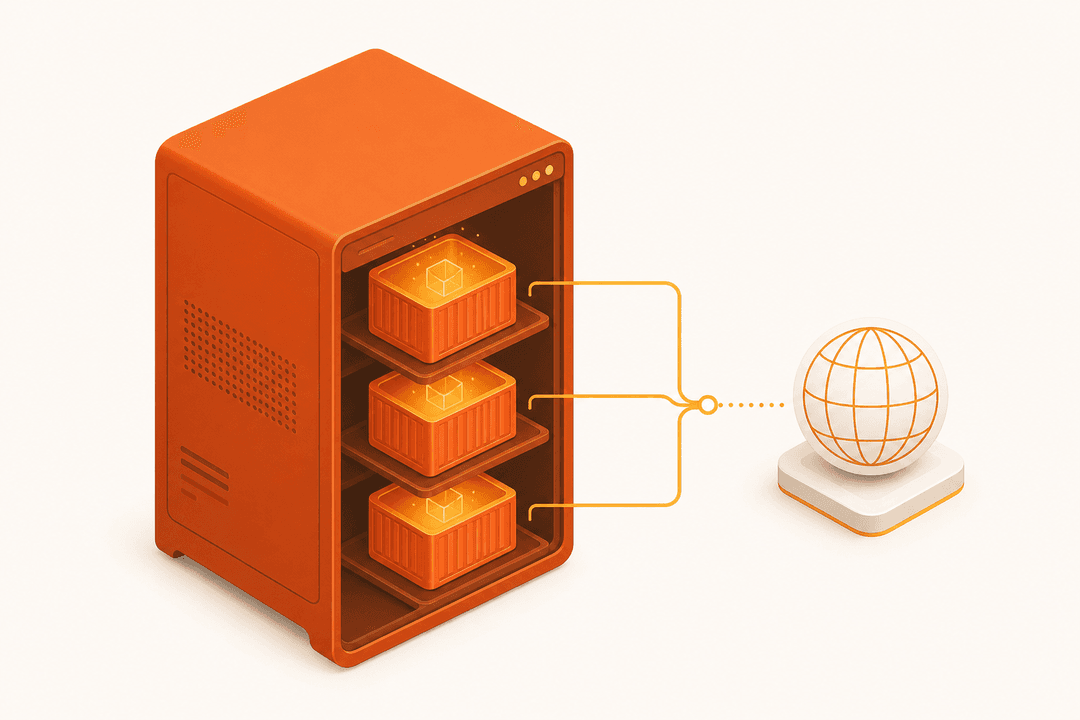
Deploy to *.apps.server4agent.com with managed TLS. The deliverable is an addressable app, not just stdout.

Use terminal
exec any command
Git history
per-project commits
Spend caps
per API key
MCP tools
Full tool surface
Sandbox-style primitives and higher-level build tools on one server.
Lifecycle
create_serverlist_serversget_serverupdate_servercontrol_serverdelete_server
Projects
list_templatescreate_projectlist_projectsget_projectupdate_projectcleanup_projectdelete_project
Build
promptstart_buildget_builddeploy
Primitives
execlist_filesread_filewrite_filedelete_file
Cookbook
Get inspired by our examples
Production-shaped patterns for MCP hosts, REST clients, and autonomous agents. Filter by language or integration style.
Language / host
Pattern
32 examples
Connect Cursor over MCP
NewExample · Docs
Full agent loop in Python
Example · Docs
Generic tool-calling loop in TypeScript
Example · Docs
LangChain + MCP tools
Example · Docs
LangGraph + MCP tools
Example · Docs
ChatGPT MCP connector setup
Example · Docs
Hand off a goal with prompt()
Example · Docs
Slack revenue bot via prompt()
Example · Docs
Write and run a Python function
Example · Docs
Write and run code in TypeScript
Example · Docs
Run a data script with exec
Example · Docs
Build and deploy a Next.js app
Example · Docs
Compare
Sandbox SDK vs staffed agent servers
We cover the same ground as ephemeral sandboxes, then add persistence, MCP-native tools, and optional full delivery via prompt().
Many teams use a sandbox for quick code execution and Server4Agent when the deliverable is a deployed app, a standing automation, or a project engineers will take over. See the manager-facing story.
Get started today
Persistent agent servers with real-world tools. Connect over MCP and ship your first public URL.
- Sandbox primitives: exec, files, shell, deploy
- Staffed path: prompt() for end-to-end delivery
- Per-key spend cap your agent cannot override